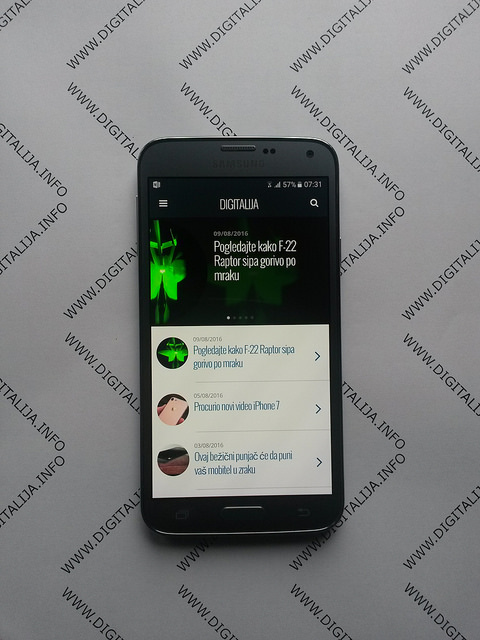
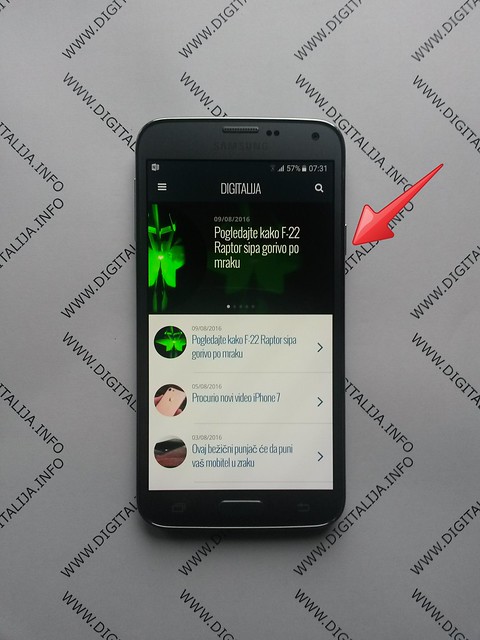
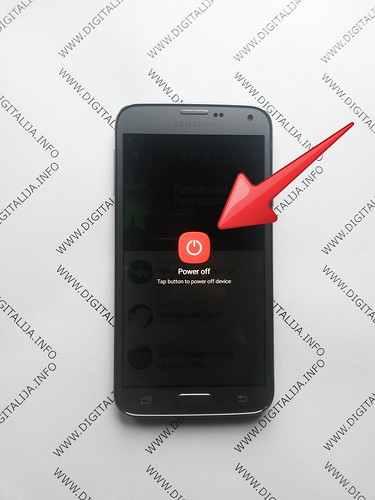
In order to turn off the cell phone hold the Power key for a while.
Press power off on the screen.
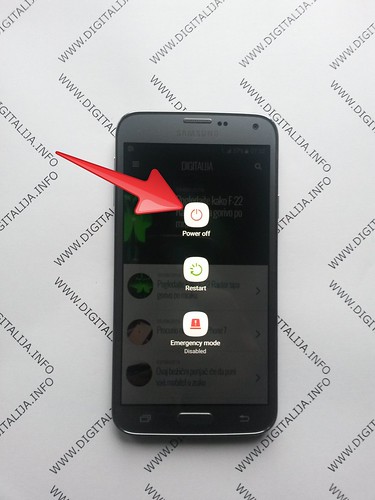
Confirm power off again.
Afterwards press and hold together: Volume Up + Home + Power button.
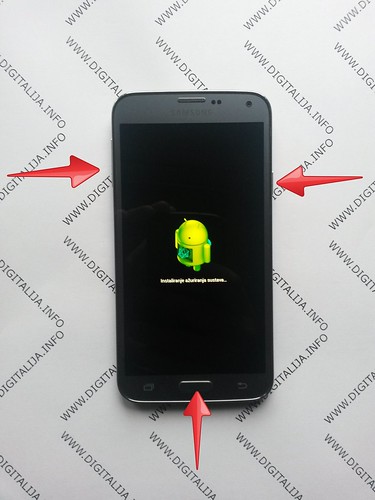
You can release held keys when the Samsung Logo appears on the screen.
Then select “wipe data / factory reset” using Volume buttons to navigate and Power button to confirm.
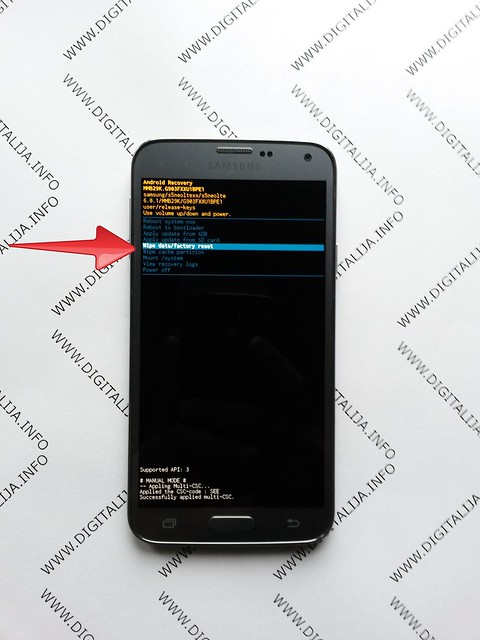
Choose “Yes — delete all user data” to confirm the whole operation.

In the next step select option “reboot system now”.

Well done! The hard reset has just been performed.